# Connect your wallet
To start trading on Atomic Protocol, you need a Web3 wallet with funds bridged to the Arbitrum network.
**Step 1 - Install a wallet** \
Atomic supports any EVM-compatible wallet. MetaMask and Rabby are recommended.
**Step 2 - Bridge funds to Arbitrum** \
Transfer USDC or ETH to Arbitrum using the official Arbitrum bridge at bridge.arbitrum.io or any major cross-chain bridge (Stargate, Across, Orbiter).\
\
**Step 3 - Connect to Atomic** \
Go to [https//app.atomic.green](https://app.atomic.green/), click **Connect Wallet** in the top right corner, and select your wallet. Switch the network to Arbitrum if prompted.
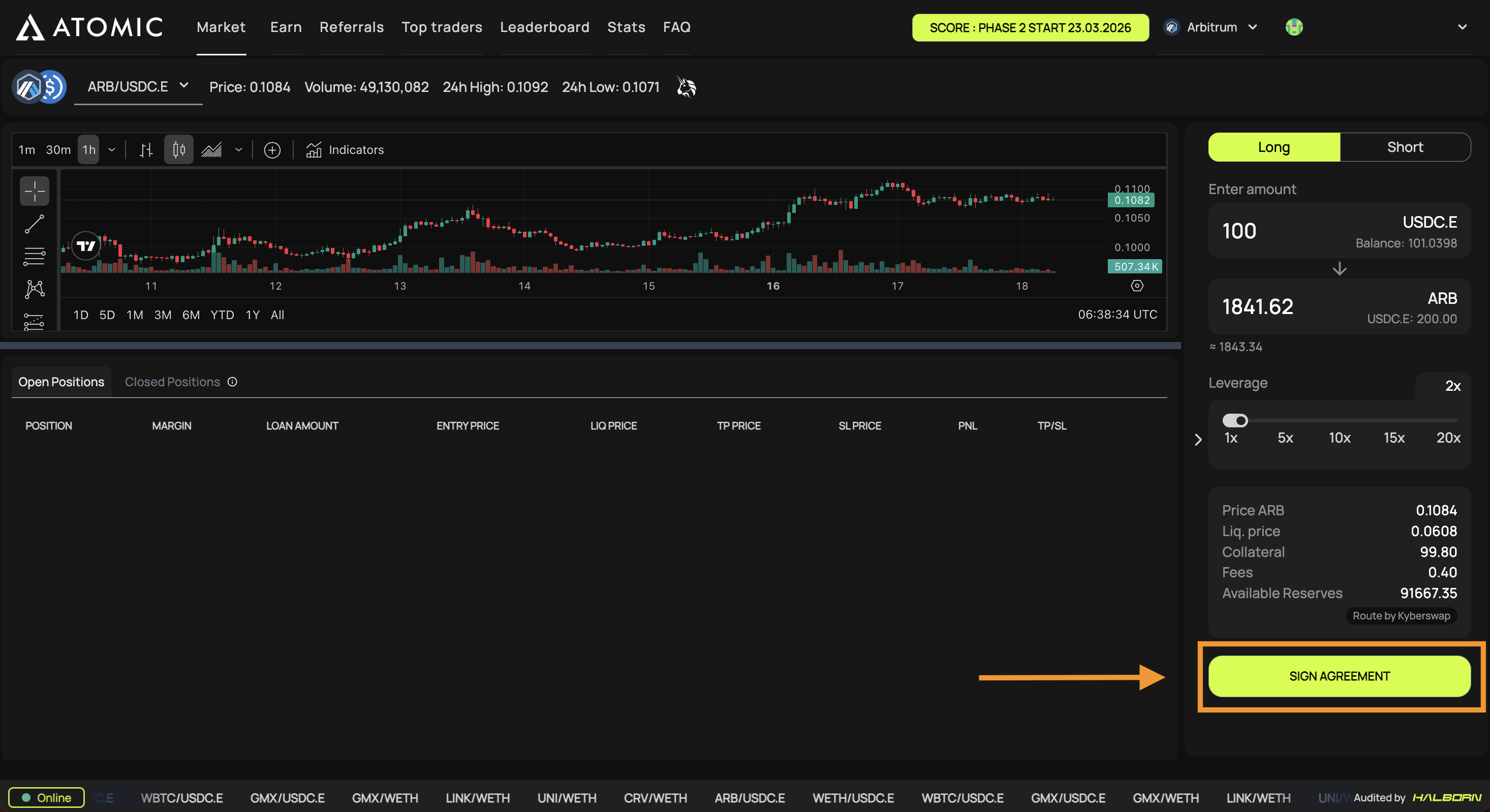
**Step 4 - Sign the agreement** \
On your first visit, you will be asked to sign a one-time agreement. This is a gasless signature; it does not send a transaction or incur any fees.
You are now ready to trade.